New Image Commenting Tool: Classic vs. New
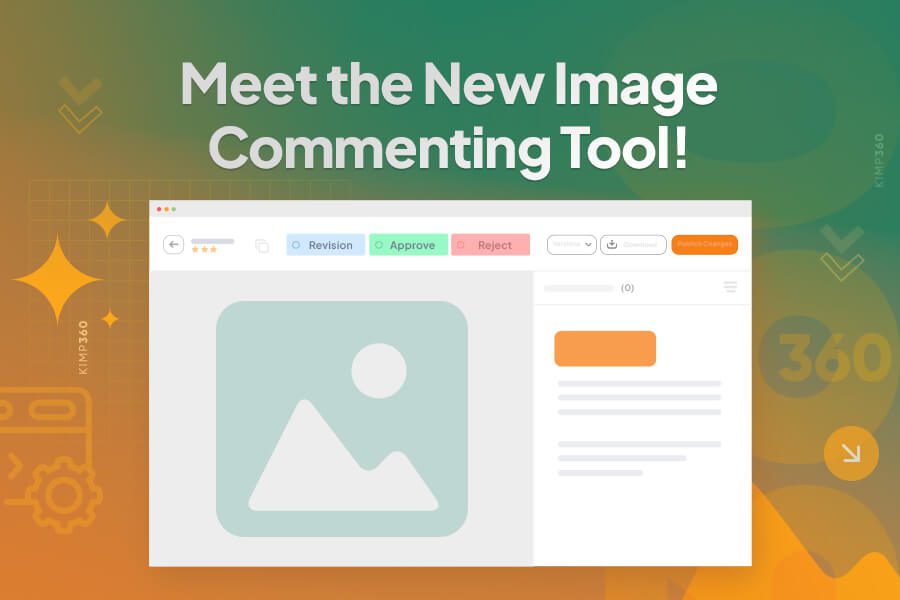
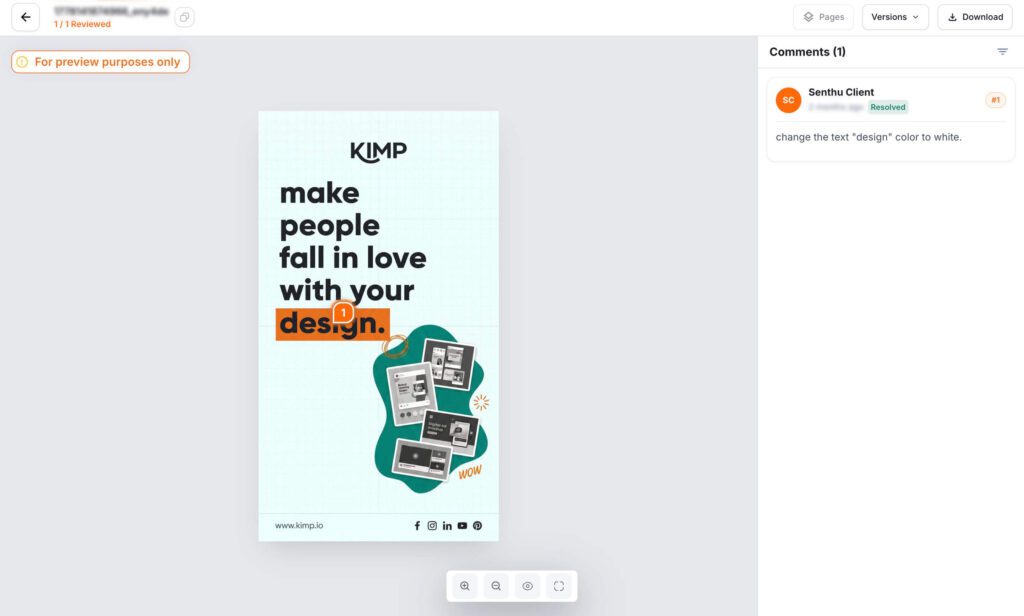
Review creative work faster with KIMP360’s redesigned Image Commenting experience. The updated interface gives you a larger preview area, streamlined navigation, and an intuitive commenting workflow, making collaboration smoother from feedback to final approval.
What’s New?
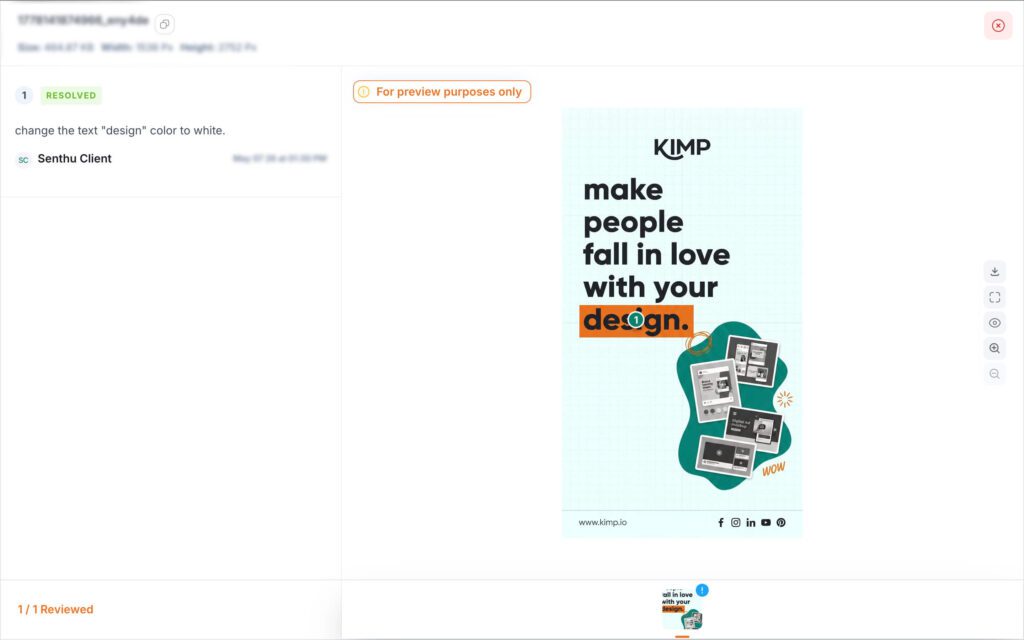
Larger Design Preview:
See more of your design with an expanded canvas that helps you review every detail without unnecessary distractions.
Cleaner Commenting Experience:
Comments are organized in a dedicated sidebar, making conversations easier to follow while keeping your artwork front and center.
Faster Navigation:
Quickly switch between pages, compare versions, and download files with frequently used actions conveniently placed at the top of the workspace.
Simplified Review Tools:
A redesigned floating toolbar keeps annotation tools within easy reach while maintaining a clean, uncluttered interface.
Better Collaboration:
Review, comment, and approve designs more efficiently with a modern workspace built to keep feedback organized and projects moving forward.
Whether you’re reviewing a single design or collaborating across multiple revisions, the new Image Commenting experience helps your team provide clearer feedback, reduce back-and-forth, and approve work with confidence.